Back to blogWorkplace
Copilot+ PCs and Windows 12: what changes for the modern workplace?
14 April 2026 7 min read
The workplace is becoming AI-native
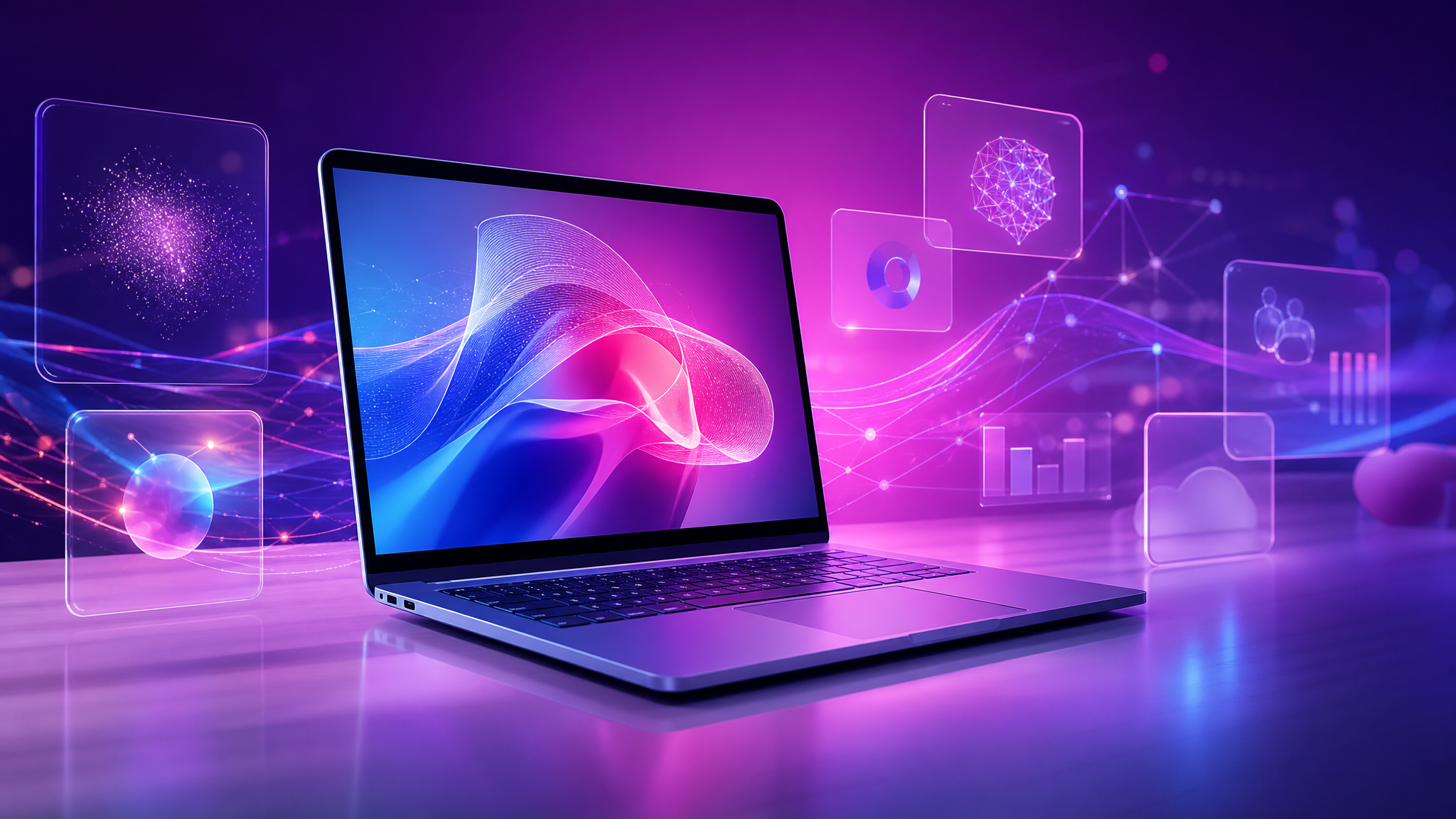
Copilot+ PCs introduce dedicated neural processing units and a deeper link between Windows, Microsoft 365 and local AI features. This can improve productivity, but it also changes how devices should be selected, secured and managed.
What changes for IT teams
Hardware choices matter again. Memory, NPU performance, lifecycle policy and endpoint security compatibility should be part of every purchasing decision.
Management also becomes more important: policies for AI features, data protection, updates and user training need to be clear before rollout.
Practical checklist
- Define which user groups actually need Copilot+ hardware
- Check Microsoft 365 licensing and data governance
- Review endpoint security and DLP policies
- Prepare onboarding and user training
- Test critical applications before large-scale rollout
Our advice
Do not refresh every device blindly. Start with roles where AI features can save real time, measure the impact and standardise from there.


Also interesting
Discover our other services and keep browsing easily.